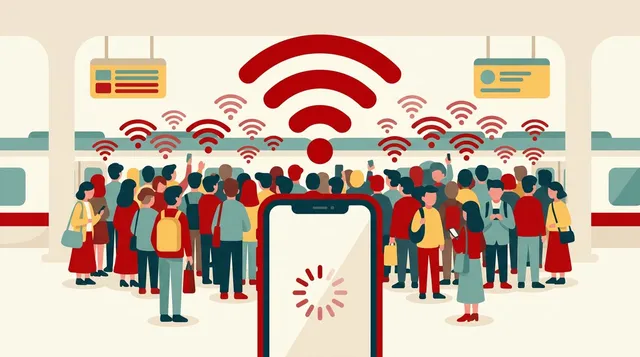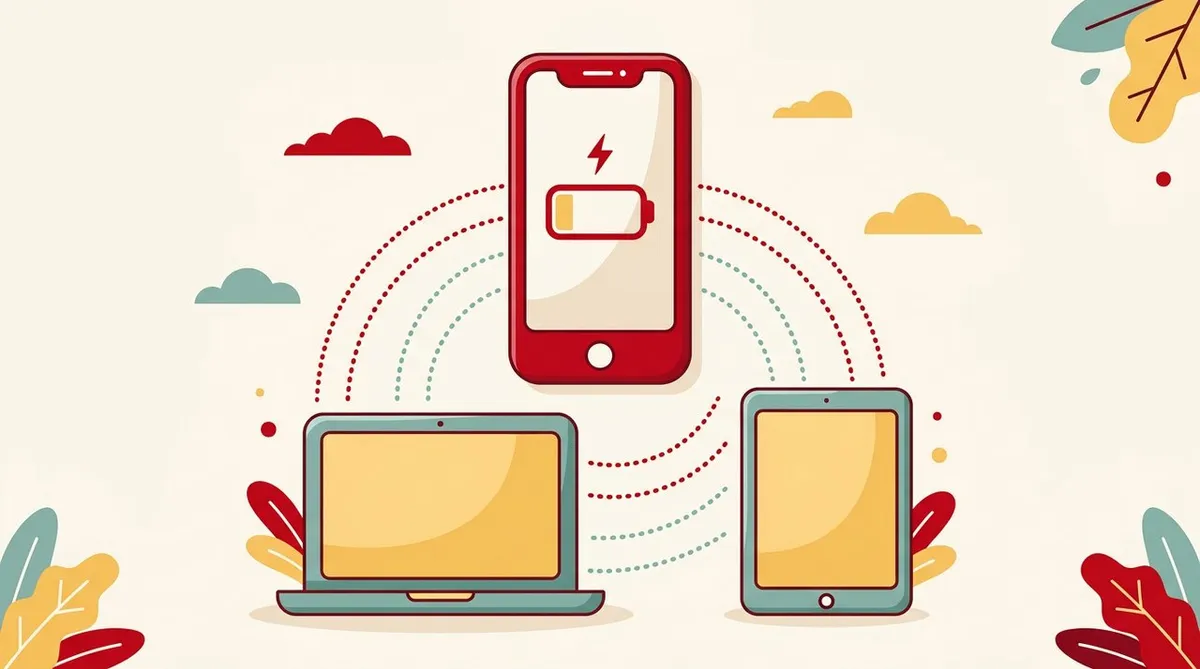
With a smartphone, you don’t need a Wi-Fi router.
That’s the good thing about tethering.
But then you connect your PC, and your data was gone by the end of the day.
Happens, right? It does.
This article is about how tethering generally works and what to check before you connect. It doesn’t cover the terms of any particular company’s plan. Whether tethering is allowed, and on what conditions, can differ by plan.
The 30-second version
- Tethering is a way for your phone to act as the host and connect your PC or tablet to the network
- There are three pitfalls: data, battery, and speed (heat)
- A PC runs automatic updates in the background. Just connecting it can eat into your data
- Check your own plan for whether it’s allowed and on what conditions
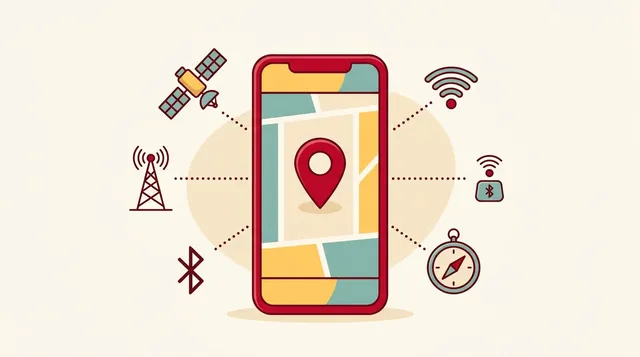
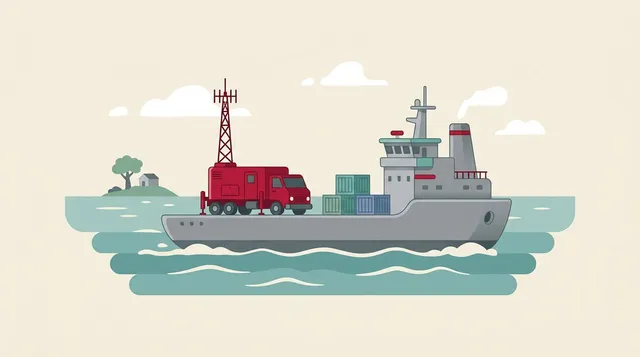
Tethering turns your phone into a “relay”
The phone converts the signal it receives into Wi-Fi or similar, and passes it on to other devices.
It works like a repeater.
There are mainly three ways to connect.
| Method | Characteristics |
|---|---|
| Wi-Fi | The easiest. But it uses your phone’s battery |
| Bluetooth | Easier on the battery, but speeds are hard to get |
| USB cable | Tends to be stable. You can charge while using it |
Available methods and their names differ by model. Look in the settings screen for “Tethering” or “Internet sharing.”
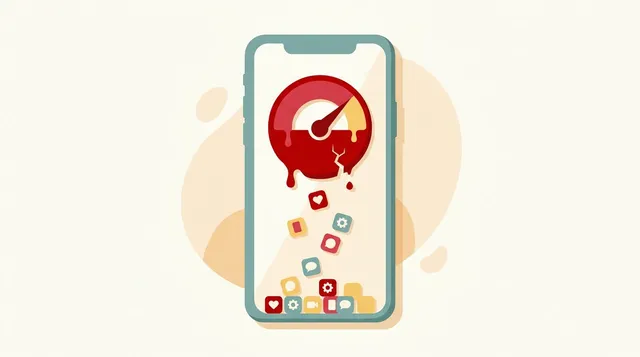
Pitfall 1: Data. A PC uses more than you’d think
A phone communicates only while you’re looking at the screen.
A PC is different.
- OS and app updates may download automatically
- Cloud sync runs in the background
- Browser tabs left open keep refreshing
Windows has a setting called “metered connection.” Turn it on and you can hold down traffic such as updates. It’s worth checking when you connect via tethering.
I also wrote about why your data goes down in another article.
Pitfall 2: Battery. The host phone gives out first
Tethering is heavy work for a phone. It receives the signal, converts it, and keeps passing it on.
- The battery drains faster than usual
- The device tends to get hot
If you’ll use it for long, the practical choice is to connect with a USB cable and charge while using it.
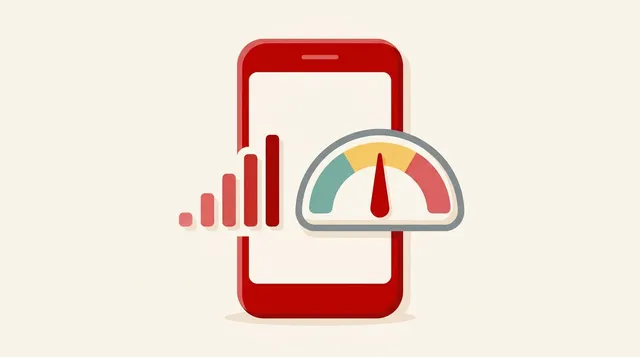
Pitfall 3: Speed. When it’s slow, isolate the cause
When tethering is slow, the cause falls into three groups.
- The phone’s own signal is weak
- The phone is hot and its performance has dropped
- Settings on the PC, or apps running at the same time
First, measure the speed on the phone alone. If it’s slow on the phone too, it’s a signal problem. The steps for weak signal let you isolate it.
If the phone is fast and only the PC is slow, suspect the PC side. For isolating Wi-Fi problems, another article is a useful reference.
Security: always set a password
Always set a password for your tethering Wi-Fi.
Without one, anyone nearby can connect freely. That leads to harm like having your data used up.
Summary
- Tethering turns your phone into a relay to connect a PC and other devices to the network
- Watch for three things: data, battery, and speed
- A PC communicates in the background. Check settings such as metered connection
- If using it for long, connect by USB and charge while using it
- Always set a password for Wi-Fi tethering
- Check your own plan for whether it’s allowed and on what conditions
With tethering, it matters more to decide before you connect than to just connect.
This article contains affiliate advertising. If you apply for a product or service through links on this site, we may receive compensation from partner companies. Additionally, the operator is an employee of Rakuten Group and may receive compensation through an employee referral program. Article content and evaluations are based on the operator's actual experience and research, regardless of advertising. For details, see the Disclaimer & Affiliate Disclosure. Disclaimer & Affiliate Disclosure
This article contains machine translation. For official terms, please refer to the multilingual pages on the official Rakuten Mobile website.
If you have concerns about Rakuten Mobile's coverage area or signal conditions, you can inquire through the official signal improvement survey request form .