You bought a new phone.
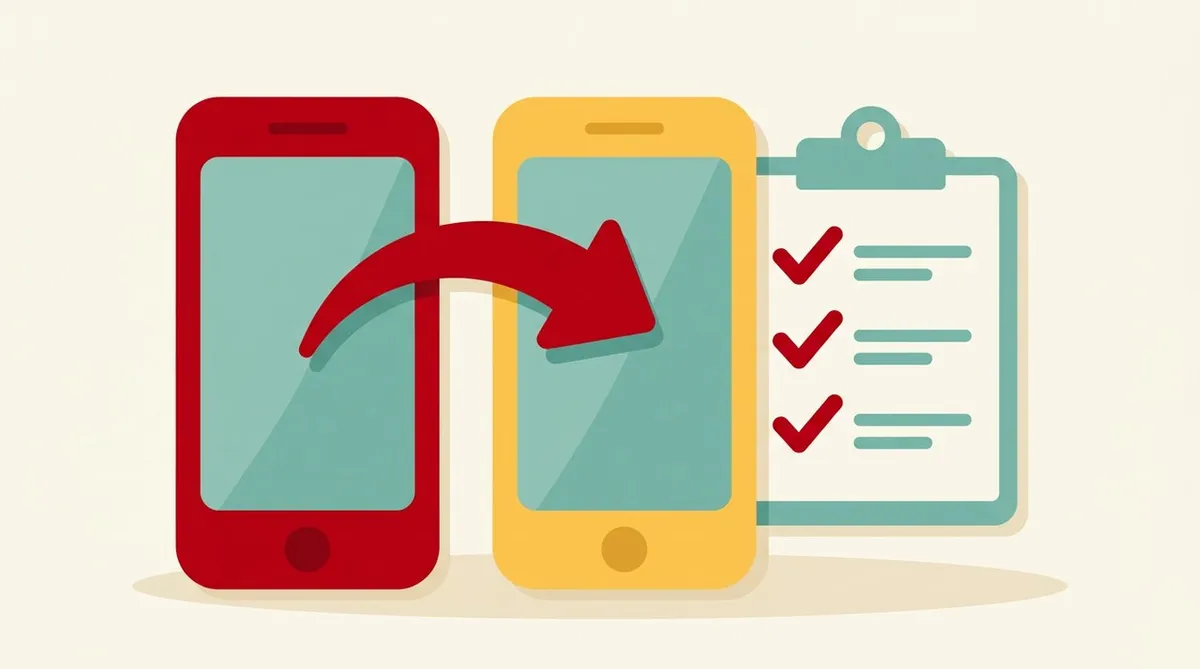
You move the data over from the old one.
“All that’s left is to reinstall the apps,” you think. Yeah, you do.
But sometimes you can’t log in to LINE or your banking apps.
There are things to check before you let go of your old phone.
Bottom line: don’t let go of your old phone until everything is moved
This is the best defense.
Until you’ve confirmed you can log in to every app on the new phone, don’t wipe, sell, or return the old one.
If you still have the old phone, you can recover from most problems.
Checklist before upgrading
① Set up the LINE transfer
For LINE, some things need transfer preparation before you change phones.
- On the old phone, finish the account transfer settings
- Check that you can remember the email address and password you registered with
- Check how to back up your chat history
If you wipe the old phone without preparing, you may not be able to recover your account or chat history.
② Logins for banking apps and other services
Some banking and credit card apps require a procedure when you change devices.
- Check in advance the re-registration and re-authentication steps for using the new device
- Write down your login ID and password
- Check the phone number you use for authentication
The procedures differ by service. Check each company’s official guidance.
③ Can you receive calls and SMS on your number?
Many services use an SMS verification code sent to your phone number. I wrote about it in another article.
When you upgrade, the steps differ depending on whether you move the SIM card to the new phone or transfer an eSIM.
- For a SIM card: take it out of the old phone and put it in the new one (check that the size fits)
- For eSIM: follow your provider’s guidance and do the transfer procedure
How to transfer an eSIM differs by company and device. Look at the official guidance first.
④ Check for a SIM lock
Check whether the phone you bought, or a used one you got, has a SIM lock. If it’s locked, you can’t use another company’s SIM. I explain it in the SIM lock article.
⑤ Back up photos and data
Back up your photos and contacts to the cloud or a computer.
What to check after moving to the new phone
Once the new phone is working, check the following before you put the old phone away.
- You can log in to LINE (and check your chat history)
- You can log in to your banking app
- You can receive SMS (it’s fine to send one to yourself as a test)
- You can make and receive calls
- Your photos and contacts have been moved
Only after everything checks out, think about wiping or selling the old phone.
If you get stuck
If you can’t log in, don’t keep trying over and over. Contact each service’s official support.
If you’re not confident in Japanese, you can show a translation app’s screen, or contact them by email.
If you’ve lost the phone itself, see the article on what to do when you lose your phone.
Summary
- Don’t let go of your old phone until you can log in to everything on the new one
- For LINE, prepare the transfer before you change phones
- Some banking apps and similar need a procedure when you change devices. Check first
- The steps for moving your phone number and SMS differ between SIM and eSIM
- After the move, check logins, SMS, and calls, and only then put the old phone away
Upgrading isn’t just swapping phones. It’s reconnecting every doorway to your daily life. Give yourself a bit of extra time.
This article contains affiliate advertising. If you apply for a product or service through links on this site, we may receive compensation from partner companies. Additionally, the operator is an employee of Rakuten Group and may receive compensation through an employee referral program. Article content and evaluations are based on the operator's actual experience and research, regardless of advertising. For details, see the Disclaimer & Affiliate Disclosure. Disclaimer & Affiliate Disclosure
This article contains machine translation. For official terms, please refer to the multilingual pages on the official Rakuten Mobile website.
If you have concerns about Rakuten Mobile's coverage area or signal conditions, you can inquire through the official signal improvement survey request form .