You bought a new phone, and now the signal is worse than before.
“Same place. Why?” Right? Yeah.
One cause is the frequency bands your phone supports.
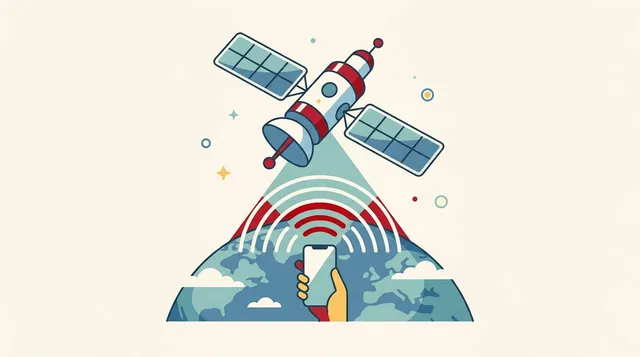
A band is a “lane” for radio waves
Mobile signals are given a band number for each frequency.
They’re called things like Band 3 and Band 28.
Think of it as a road: a band is a “lane.”
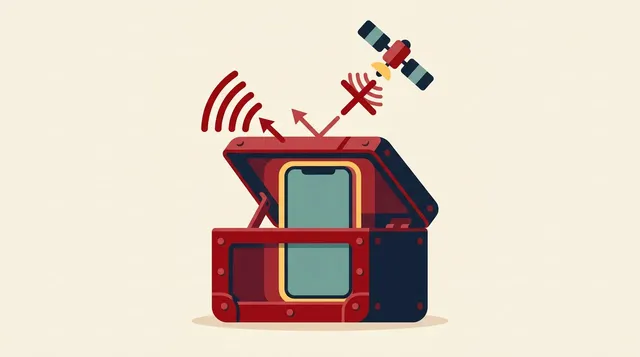
Your phone can only drive in the lanes it supports. Signals in lanes it doesn’t support can’t be received, even if they’re reaching you.
Bands worth knowing for Rakuten Mobile
To receive Rakuten Mobile’s signal, these are the names worth remembering.
- Band 3 (1.7GHz band): the core band for 4G
- Band 28 (700MHz band): the so-called platinum band. Strong against obstacles, so it helps indoors and in rural areas
- n77 (3.7GHz band): the band used for 5G
Band support and how partner network access is handled can change. For the final word, check Rakuten Mobile’s official “verified devices” page.
About the platinum band: see another article
The story of why Band 28 is so strong, explained with drums and violins, is covered in a separate article.
For now, just remember this: whether your phone supports Band 28 can change how well you get a signal inside buildings.
How to check
1. Find your phone’s model name
Your settings screen has a “device info” section with the model name or model number.
2. Look at Rakuten Mobile’s compatible devices page
Search by model name and you can see whether operation has been verified.
3. Be especially careful with overseas and secondhand phones
Models sold overseas and parallel imports may not support Japanese bands. They can look identical, yet differ inside in which bands they support.
Summary
- Whether you get a signal depends on which bands your phone supports
- A band is like a “lane” for radio waves
- For Rakuten Mobile, Band 3, Band 28 (the platinum band), and 5G’s Band n77 matter
- Do the final check on the official verified devices page
- Be especially careful with overseas and secondhand phones
Sometimes “bad signal” isn’t the carrier’s fault. It’s your phone’s band support.
Before you switch, check the phone side too. It’ll save you from regrets.
This article contains affiliate advertising. If you apply for a product or service through links on this site, we may receive compensation from partner companies. Additionally, the operator is an employee of Rakuten Group and may receive compensation through an employee referral program. Article content and evaluations are based on the operator's actual experience and research, regardless of advertising. For details, see the Disclaimer & Affiliate Disclosure. Disclaimer & Affiliate Disclosure
This article contains machine translation. For official terms, please refer to the multilingual pages on the official Rakuten Mobile website.
If you have concerns about Rakuten Mobile's coverage area or signal conditions, you can inquire through the official signal improvement survey request form .